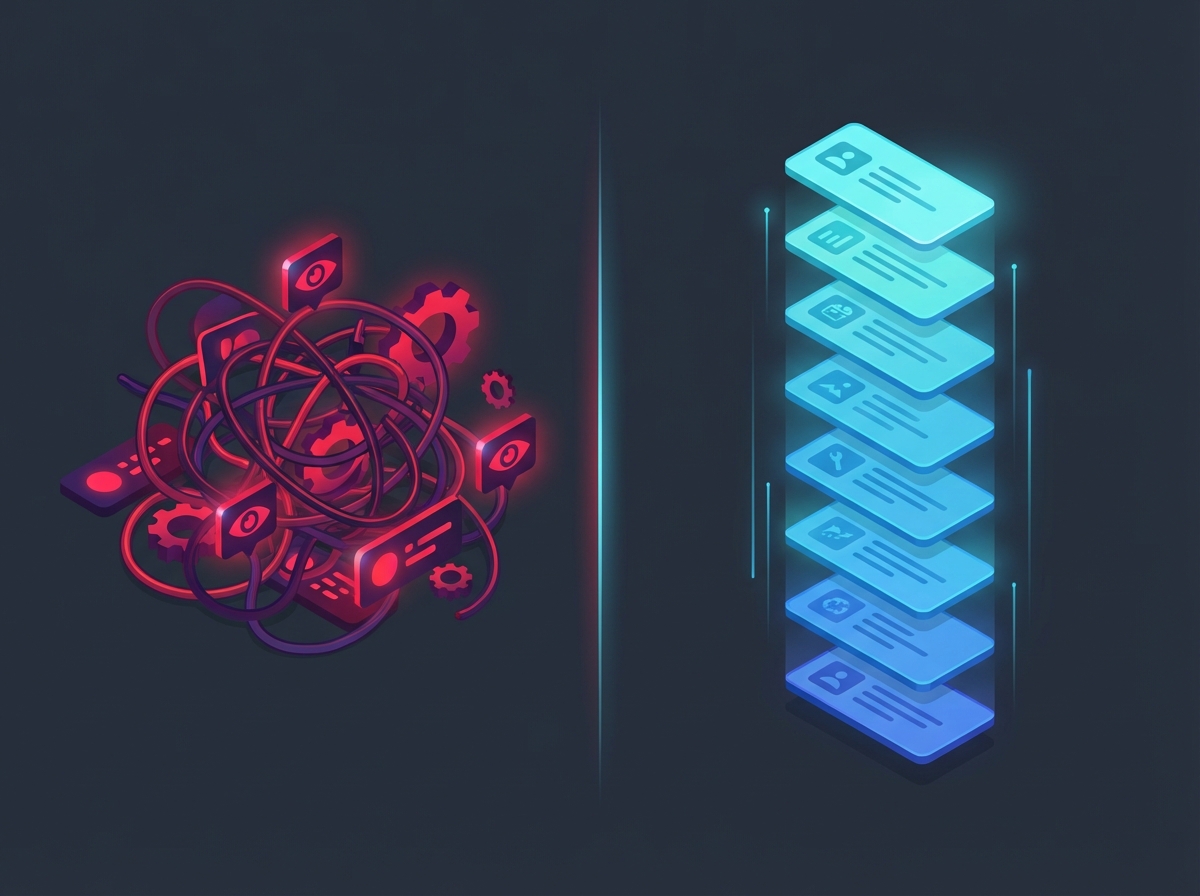
In 2026, the best way to read the internet is a 29-year-old technology that most people think died with Google Reader.
RSS—Really Simple Syndication—was created by Netscape in 1997 and later refined by Aaron Swartz. It’s a protocol so simple it barely qualifies as one: websites publish a structured feed of their content, and you subscribe to the feeds you want. No algorithm decides what’s “relevant.” No engagement metrics determine what surfaces. Just content, in chronological order, from sources you chose.
This isn’t nostalgia. It’s a rational response to what the web has become.
The Problem: Algorithms Ate the Web
Open Google Discover on your phone. Scroll through the recommendations. Notice how many headlines are optimized for clicks rather than accuracy. Notice the AI-generated summaries of articles that themselves were AI-generated. Notice how you didn’t ask for any of this.
This is the modern web. Social media algorithms decide what you see based on engagement metrics—not quality, not accuracy, not relevance to your actual interests. The result is a feedback loop optimized for outrage, addiction, and time-on-site.
As one writer put it, the post-Google Reader era gave us “filter bubbles, algorithmically driven news feeds, fake news, polarisation, privacy invasions, clickbait, spam bots, content farms, surveillance capitalism, notification addiction, doomscrolling, data harvesting, goldfish attention spans, cycles of outrage, misinformation loops, bad-faith discourse, trolling, trend-chasing, and the rise of the ‘influencer.’”
That’s not hyperbole. That’s a description of the current state of content consumption.
Search results are polluted with SEO spam. AI-generated garbage floods every platform. Google’s AI Overviews have reduced organic clicks by 34.5%, keeping users in Google’s ecosystem while publishers watch their traffic evaporate. The platforms that promised to connect us to information have instead become intermediaries extracting value from both sides.
PC Gamer ran a piece in January calling 2026 “the year of the glorious return of the RSS reader,” encouraging readers to “kill the algorithm in your head.” They’re not wrong.
The Solution: Take Back Control
RSS offers something radical: you choose what you read, in the order it was published, with zero tracking.
You choose your sources. No algorithm decides what’s “relevant” to you. You subscribe to writers, publications, and topics you actually care about. If something stops being valuable, you unsubscribe. Simple.
Chronological order. Content appears when it’s published, not when it’s “trending.” There’s no algorithmic amplification of inflammatory takes. No engagement-bait rising to the top. Just a timeline that respects the passage of time.
No ads, no tracking, no engagement bait. RSS feeds are just data. They don’t contain tracking pixels, don’t set cookies, don’t build advertising profiles. Your reading habits remain yours.
Portability. OPML export means you’re never locked in. Don’t like your current reader? Export your subscriptions and import them elsewhere. Try doing that with your YouTube recommendations or Twitter timeline.
It makes the web feel manageable. Instead of the infinite scroll, you have a finite reading list. You can actually reach the end. There’s something psychologically healthy about completing your reading rather than drowning in an endless stream.
RSS also powers more than most people realize. Over 80% of podcast distribution still runs on RSS feeds. YouTube channels have RSS feeds (though Google hides them). GitHub releases, Reddit communities, government sites, academic preprints—all available via RSS. The infrastructure never went away.
Why Miniflux Gets It Right
There are dozens of RSS readers available. I’ve tried most of them. Miniflux is the one that stuck, and the reason comes down to philosophy.
Miniflux is a minimalist and opinionated self-hosted feed reader created by Frédéric Guillot. It’s written in Go, compiles to a single static binary, and uses PostgreSQL as its only database. The entire thing runs on a couple megabytes of memory, even with hundreds of feeds.
The interface is deliberately spartan. No AI recommendations. No social sharing buttons. No fancy features competing for your attention. Just your feeds, presented cleanly, optimized for reading.
As one reviewer noted: “Coming from feature-rich, busy social media apps, Miniflux’s interface may feel boring at first.” That’s the point. The absence of distraction is the feature.
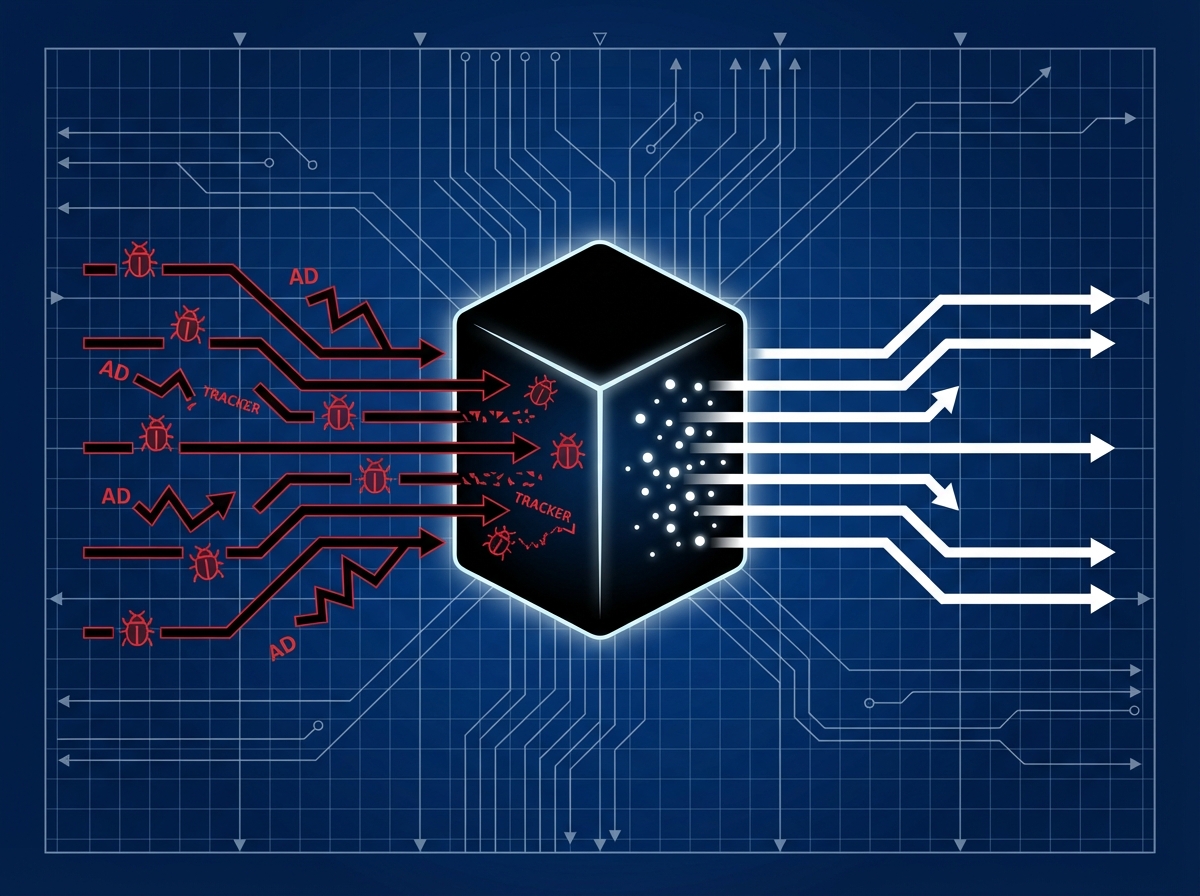
Privacy by Design
Miniflux treats privacy as a core architectural concern, not an afterthought:
- Strips tracking pixels automatically from feed content
- Removes UTM parameters and other tracking cruft from URLs
- Proxies media through the server to prevent third-party tracking
- Opens external links with
rel="noopener noreferrer"andreferrerpolicy="no-referrer" - Plays YouTube videos via
youtube-nocookie.com - Zero telemetry, zero advertising
In an era where every app harvests data by default, Miniflux’s privacy stance is refreshing. It respects HTTP caching headers to avoid hammering servers. It doesn’t phone home. It just does its job.
Keyboard-Driven Workflow
Miniflux is designed for people who read a lot. Full keyboard shortcuts let you fly through hundreds of articles:
- Arrow keys for navigation
vto open the original articlesto star/bookmarkdto fetch full article content/for search
The full-text fetching is particularly useful. Many feeds only include summaries, forcing you to click through to the original site. Miniflux can automatically fetch the complete article, letting you read everything in one place. You can enable this per-feed or trigger it manually with a keystroke.
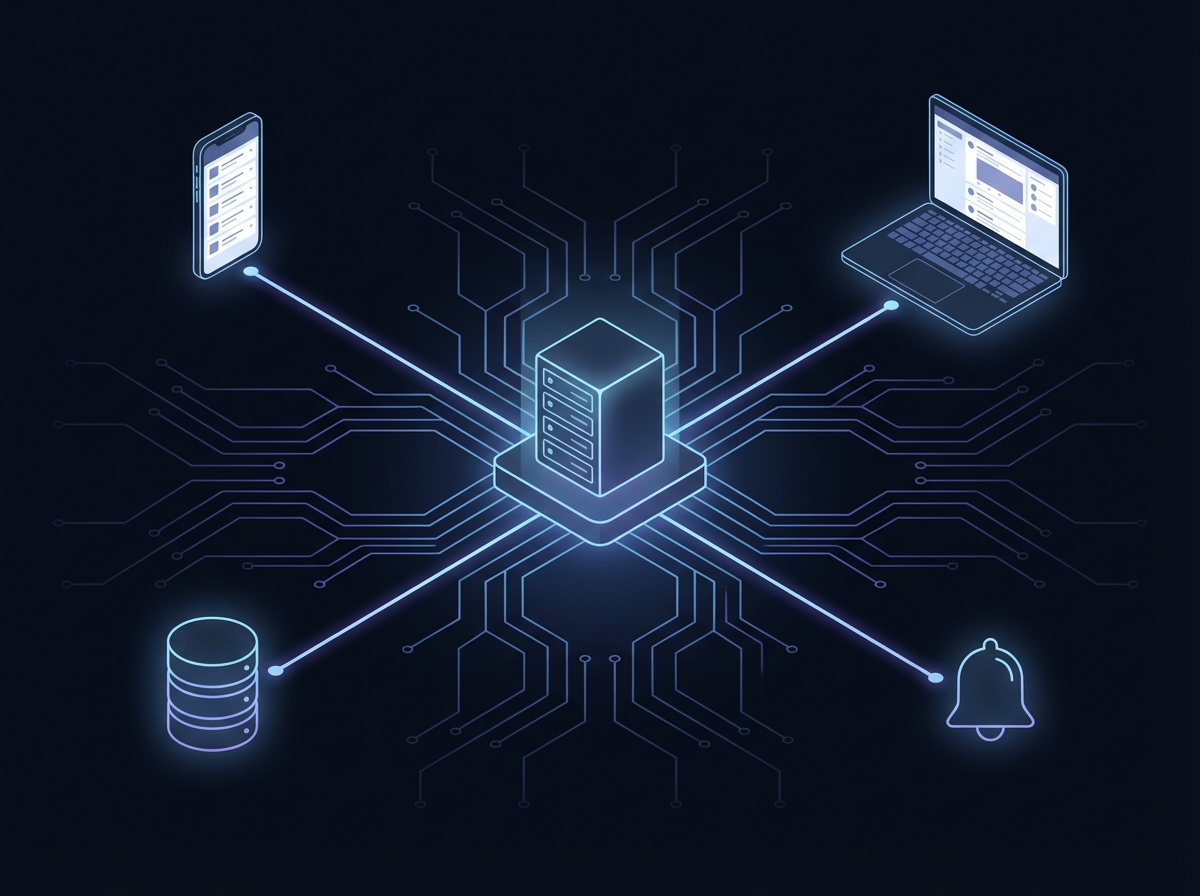
25+ Integrations
One of Miniflux’s underrated strengths is its integration ecosystem:
| Category | Services |
|---|---|
| Read-it-later | Wallabag, Instapaper, Pocket, Readwise Reader |
| Bookmarking | Pinboard, Linkding, LinkAce, Shaarli |
| Notifications | Discord, Slack, Telegram, Matrix, Ntfy, Pushover |
| Note-taking | Notion |
| Automation | Webhooks, Apprise |
The full REST API means you can build whatever custom integrations you need. There’s also Fever API and Google Reader API compatibility, which opens up dozens of existing mobile apps.
Deployment
Getting Miniflux running takes about five minutes:
# docker-compose.yml
services:
  miniflux:
    image: miniflux/miniflux:latest
    ports:
      - "8080:8080"
    environment:
      - DATABASE_URL=postgres://miniflux:secret@db/miniflux?sslmode=disable
      - RUN_MIGRATIONS=1
      - CREATE_ADMIN=1
      - ADMIN_USERNAME=admin
      - ADMIN_PASSWORD=changeme
    depends_on:
      - db

  db:
    image: postgres:15
    environment:
      - POSTGRES_USER=miniflux
      - POSTGRES_PASSWORD=secret
    volumes:
      - miniflux-db:/var/lib/postgresql/data

volumes:
  miniflux-db:
Run docker-compose up -d, navigate to localhost:8080, and you’re done. For those who don’t want to self-host, there’s an official hosted option at reader.miniflux.app for $15/year.
The RSS Ecosystem
Miniflux doesn’t exist in isolation. There’s a thriving ecosystem of tools that make RSS more powerful.
Feed Generators
Many sites have removed their RSS feeds or never had them. These tools bridge the gap:
RSS-Bridge is a PHP application that generates feeds for sites that removed them—YouTube, Twitter/X, Reddit, Telegram, and dozens more. The project’s README includes a manifesto worth quoting: “Dear so-called ‘social’ websites… You’re not social when you hamper sharing by removing feeds… We are rebuilding bridges you have willfully destroyed.”
RSSHub is a community-driven project with 30,000+ GitHub stars, generating RSS feeds for seemingly everything. If a site exists, someone has probably written an RSSHub route for it.
Alternative Frontends
Miniflux’s spartan interface isn’t for everyone. Third-party frontends offer alternatives:
- ReactFlux: Beautiful React-based web frontend with a more visual approach
- Nextflux: Modern Reeder-inspired UI, PWA-capable
- Reminiflux and Fluxjs: Additional web frontend options
These connect to Miniflux via its API, giving you the backend’s reliability with a different presentation layer.
Mobile Apps
The Fever and Google Reader API compatibility means Miniflux works with excellent mobile apps:
- iOS: Unread, Fiery Feeds, Lire
- Android: Miniflutt (FOSS), Read You (Material You design), News+
Honest Limitations
Miniflux isn’t perfect for everyone:
- No feed discovery. You need to know your sources. If you want recommendation features, FreshRSS might be better.
- Regex-only filtering. Block rules require regex knowledge—no simple keyword UI.
- Spartan by design. Some people genuinely want more features. That’s valid.
For me, these limitations are features. The lack of discovery means I’m intentional about what I subscribe to. The minimal interface means I focus on reading, not fiddling with settings.
Getting Started
If you’re new to RSS, here’s a practical starting point:
-
Deploy Miniflux using the Docker Compose configuration above, or sign up for the hosted version.
-
Add feeds you already read. Most sites still have RSS feeds at
/feed/,/rss/, or/feed.xml. Browser extensions like “Get RSS Feed URL” can help find them. -
Subscribe to writers, not publications. Individual bloggers often have better signal-to-noise ratios than large publications.
-
Use RSS-Bridge for sites that don’t have feeds. YouTube channels, Reddit subreddits, and Twitter accounts can all become RSS feeds.
-
Export your OPML periodically as a backup. This is your subscription list in a portable format.
-
Resist the urge to subscribe to everything. Start with 10-20 feeds. Add more only when you find yourself wanting more content.
The goal isn’t to replicate the firehose of social media. It’s to curate a reading list that actually serves your interests.
The Bigger Picture
RSS won’t save the internet. The platform incentives that created the current mess aren’t going away. Algorithms will continue optimizing for engagement. AI slop will continue flooding search results. Publishers will continue chasing whatever metrics the platforms reward.
But RSS might save your relationship with the internet.
There’s something deeply satisfying about opening your feed reader and seeing exactly what you asked for—nothing more, nothing less. No manipulation. No dark patterns. No algorithmic anxiety about what you might be missing. Just content from people you chose to follow, in the order they published it.
In a web increasingly optimized for everyone’s attention, RSS is optimized for yours.
The technology is 29 years old. It’s been declared dead a dozen times. And it’s still the best way to read the internet in 2026.
Resources:
- Miniflux - Official site and documentation
- Miniflux GitHub - Source code
- RSS-Bridge - Generate feeds for sites without them
- RSSHub - Community-driven feed generator
- awesome-selfhosted RSS readers - Comprehensive list of alternatives
Was this helpful?
Have questions about this article?
Ask can help explain concepts, provide context, or point you to related content.